Key takeaways
- The backend should enforce authoritative data and business rules rather than trusting mobile screens.
- Design admin and CRM tools from real staff queues, states, approvals, and exceptions.
- Server-side jobs, payment callbacks, notifications, media processing, and observability are part of production reliability.
- Connect app, website, CRM, SEO, analytics, and marketing through deliberate data boundaries and ownership.
How this guide was prepared
This guide owns the mobile app backend and admin dashboard search intent and is designed to support the mobile app service page without duplicating direct company, pricing, or adjacent cluster intent.
The guidance combines Nova Roids product-delivery experience, the four mobile project case studies linked on the page, the supplied Google Search Console query patterns, and the named primary references. No market-wide prices, rankings, or guarantees are invented.
What this page owns—and what it deliberately excludes
This is the canonical page for the mobile app backend and admin dashboard query family. It answers the specific decision below without duplicating the service page or adjacent cluster articles.
Topics intentionally handled elsewhere
- Full CRM software selection
- Generic web application development
- Exact hosting prices
Direct service and enquiry intent belongs to our Mobile App Development service page.
The broader topic is covered by Mobile App Development Process: From Idea to App Store.
Treat the mobile app as one client of a larger system
A mobile app backend is the server-side system that stores authoritative data, enforces business rules, authenticates users, controls permissions, coordinates integrations, and gives staff the tools needed to operate the product. If the app changes a booking, subscription, care task, expense, order, or user record, the backend should define what a valid state is rather than trusting the mobile interface to enforce rules on its own.
This separation makes iOS, Android, web, and admin clients consistent. It also allows business rules to evolve without publishing a new mobile build for every change. The API contract should explain valid requests, errors, pagination, authentication, versioning, and the states the interface must represent.
Ready to move from planning to delivery? Review our mobile app development process and deliverables.
Design the data model around real entities and ownership
Start with the nouns and relationships the business actually operates: users, organisations, pets, bookings, services, orders, subscriptions, tasks, documents, conversations, or whatever the product requires. Define which record is authoritative, who can create or modify it, what history is needed, and how deletion or account closure affects related records. Avoid adding fields directly from screens without understanding the domain behind them.
Good data modelling also prevents accidental cross-account access. Every query that returns user-specific information should have a clear ownership or permission rule. Multi-tenant products require special care so one company, family, or organisation cannot read another tenant's records because of a missing filter.
This article belongs to the Mobile App Development Process: From Idea to App Store topic cluster.
Authentication is different from authorization
Authentication proves who the user is. Authorization decides what that user is allowed to read or change. The backend should enforce roles and object-level permissions even if the mobile UI hides unavailable buttons. Staff dashboards need the same discipline: administrator, support, finance, provider, or team-member roles should receive only the access needed for their job.
Account recovery, session expiration, device changes, password reset, social login, multi-factor authentication where required, and account deletion are part of the product flow. Document token refresh and revocation behaviour so a lost or logged-out device does not keep indefinite access.
The next related decision is covered in Mobile App Development Process: From Idea to App Store.
The admin dashboard should mirror operating workflows
An admin panel is useful when it helps staff process real work. Start from queues, statuses, approvals, ownership, exceptions, notes, notifications, and reports rather than a generic CRUD interface for every database table. A booking team needs a different operational view from finance or content management. The dashboard should make the next action clear and keep context close to the record.
This layer often becomes a practical CRM because it connects users, activity, communications, commercial status, and support history. If an existing CRM already handles those responsibilities, integrate with it instead of creating duplicate sources of truth. Define which system owns each field and how updates are synchronized.
Notifications and background jobs need server-side reliability
Push notifications, scheduled reminders, email, SMS, document processing, billing jobs, and data synchronization should not depend on a user's phone remaining open. Use server-side jobs or queues where the work must continue independently. Record job status and retry safely when a provider is unavailable.
Notification logic should distinguish event creation from delivery. The backend may decide that a reminder is due, while a push provider handles delivery and the device controls whether notifications are visible. The product should not claim a user received a message simply because the server attempted to send one.
Payments and subscriptions require authoritative callbacks
For products with payments or subscriptions, the mobile interface should not be the source of truth for whether money moved or access is active. Use verified provider or store events, handle retries and duplicate callbacks, and keep a transaction history that operations can reconcile. Subscription state may involve renewals, cancellations, grace periods, refunds, or store-specific rules that need server-side handling.
Finance and support teams need enough visibility to understand a user's commercial status without exposing payment secrets. Define refund or cancellation workflows and which system can change entitlement. Test failures such as an interrupted payment, delayed webhook, expired card, or store account change before public launch.
Files and media need storage, processing, and retention rules
Photos, documents, audio, profile images, and generated files can quickly become a major part of backend scope. Decide upload limits, accepted formats, direct-to-storage patterns, virus or safety checks where appropriate, transformations, thumbnails, access URLs, deletion, and retention. Large work should move to background processing rather than keeping a mobile request open until it times out.
Keep private media private by default. Short-lived signed access or authenticated download routes may be appropriate depending on architecture. The product should know what happens when a user deletes a record that references a file so orphaned storage does not grow indefinitely.
Observability turns production failures into diagnosable incidents
Logs should answer what happened without leaking secrets. Metrics should show error rate, latency, job failures, queue depth, storage, and other service health relevant to the product. Trace identifiers can connect a mobile request, backend operation, and third-party call. Alerts should focus on conditions someone will actually act on rather than creating constant noise.
Combine technical telemetry with support context. If a user reports that a booking disappeared, the team should be able to inspect the booking state, recent events, integration responses, and notification attempts quickly. This reduces time spent reproducing incidents from memory or screenshots.
Connect the backend to the public product ecosystem
The same backend may support website account areas, support tools, CRM, analytics exports, marketing triggers, or SEO-generated content, but avoid exposing internal services directly to the public without a clear boundary. Use stable APIs and event flows. Marketing systems should receive only the data needed for their purpose and should respect consent and privacy settings.
For a full mobile product launch, backend architecture, website, SEO, and marketing are not independent departments. They share user identities, events, campaign attribution, support links, and operational outcomes. Define those connections so the product can measure the journey from acquisition through meaningful use without creating an uncontrolled web of integrations.
Mobile product backend responsibilities
| Layer | Primary responsibility | Example operational question |
|---|---|---|
| API + data | Authoritative records and business rules | Is this state valid and who can change it? |
| Admin / CRM | Staff workflow and customer context | What action does the team need to take next? |
| Jobs + integrations | Reliable external and scheduled work | Did the provider process the event and can it retry safely? |
| Observability | Logs, metrics, alerts, tracing | Can support diagnose a real user incident quickly? |
Questions and checks before you commit
What clients highlighted
“The website finally explains our services clearly, loads fast, and gives our team a cleaner way to receive qualified enquiries.”
“The SEO structure made the site easier to understand. We could see which pages target traffic, which pages convert, and what to publish next.”
Relevant Nova Roids project work
These case studies show related delivery experience. They do not imply that every feature discussed in this guide was used on every project.
Nura AI Life Assistant
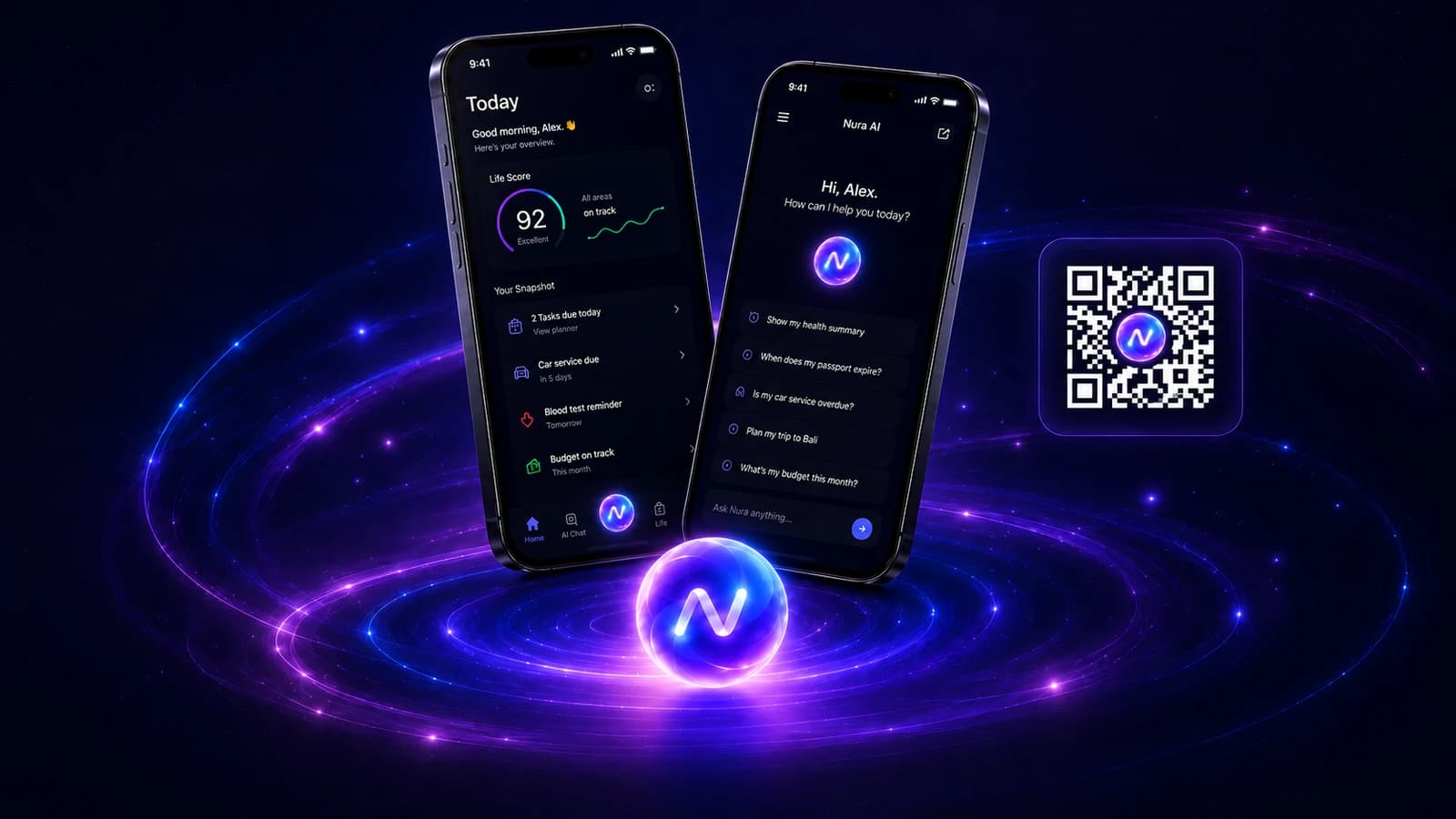
A personal AI life assistant for natural chat and voice, tasks, reminders, files, expenses, memory controls, and connected everyday context.

PetCare+ Pet Care Platform
A mobile pet-care platform combining pet profiles, care tasks, bookings, notifications, and an AI Vet entry point with a connected digital growth system.
MUNCH AI Lifestyle Platform
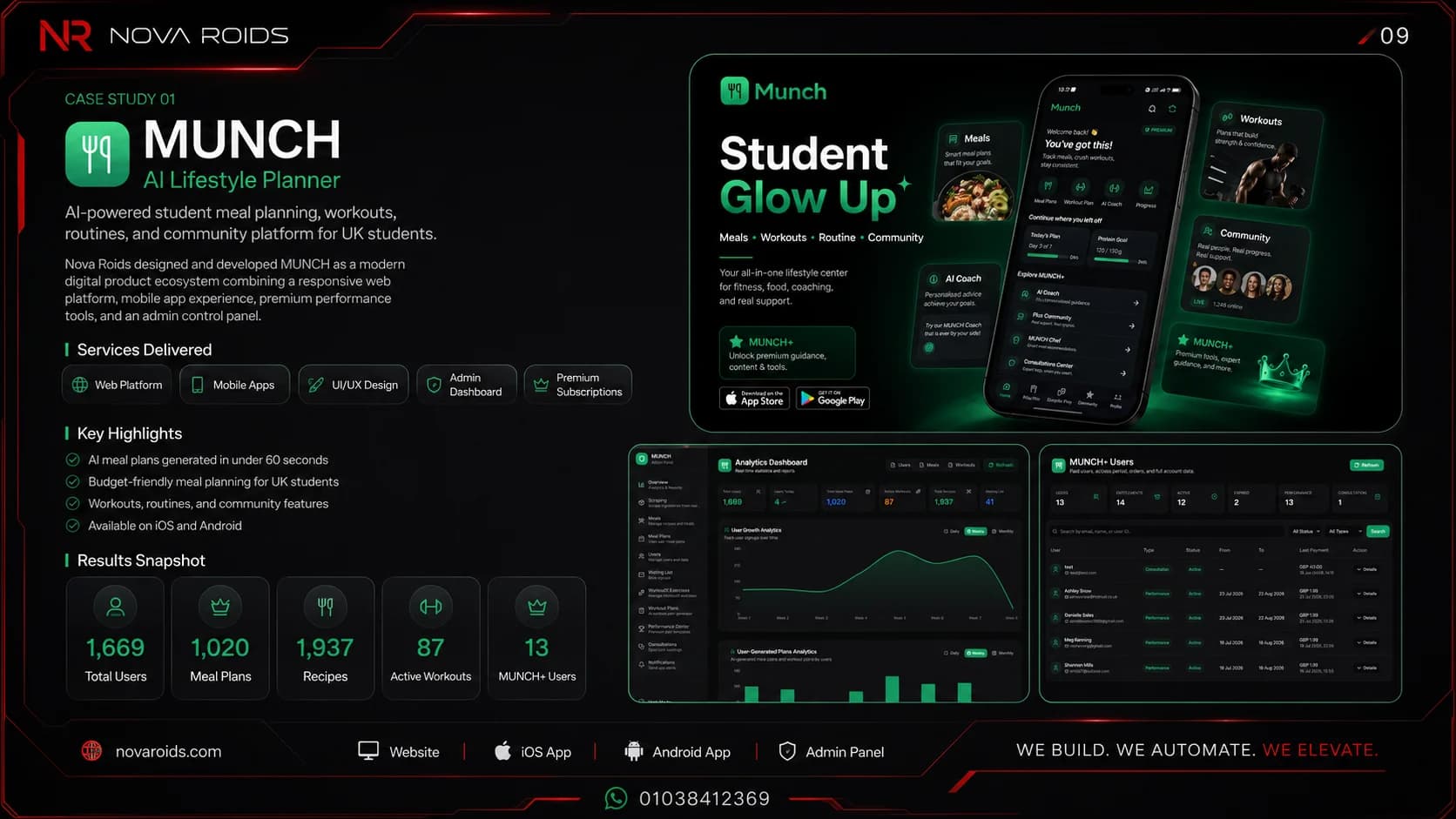
An AI-powered mobile and web ecosystem for meal planning, workouts, performance tracking, community, and student lifestyle management.
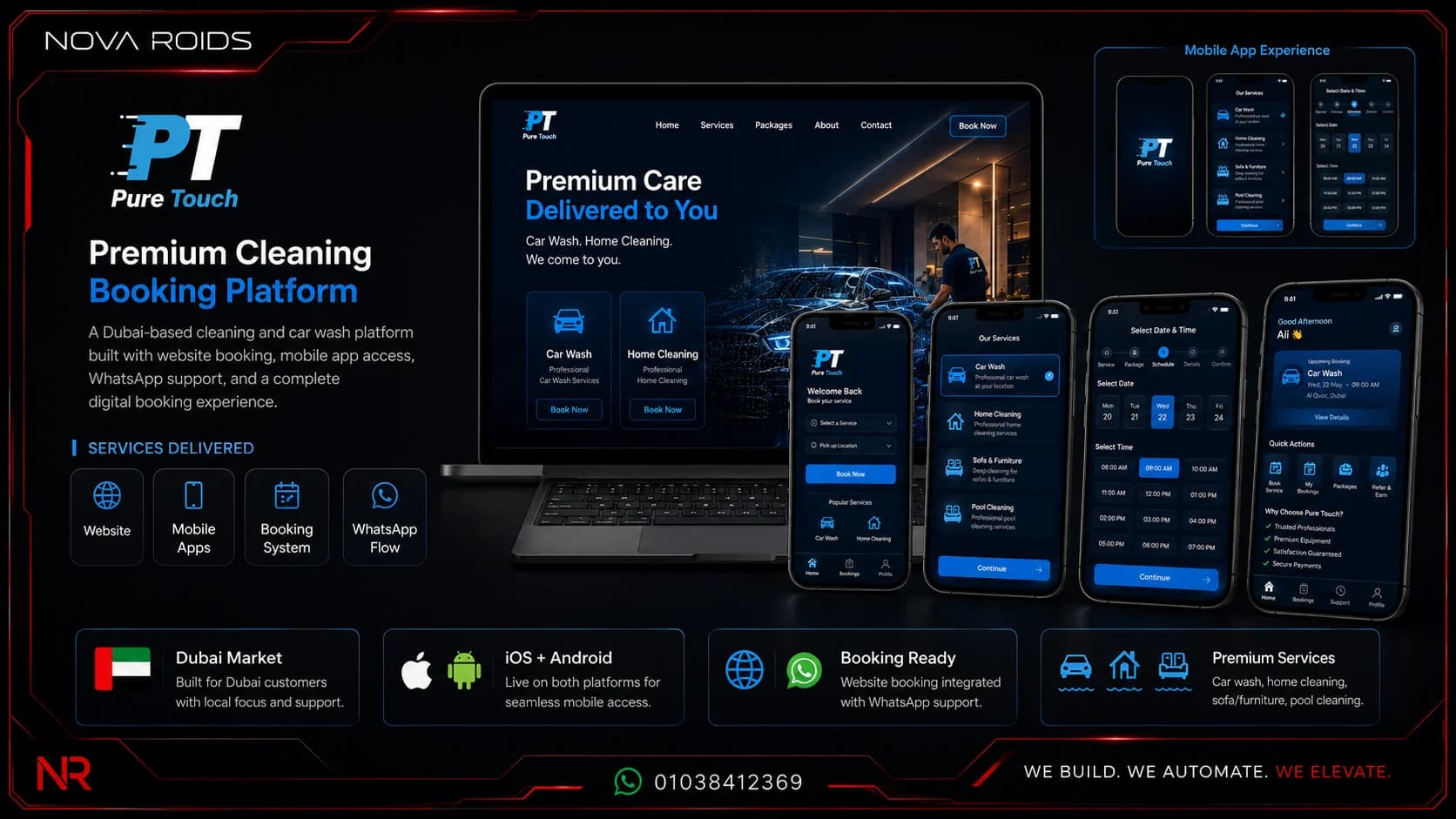
Pure Touch Booking Ecosystem
A premium UAE booking platform for mobile car wash, home cleaning, pool care, locations, packages, and booking operations.
Frequently asked questions
Does every mobile app need a backend?+
No. A simple app can work largely on-device or use managed services. Many commercial products need a backend for authentication, shared data, permissions, notifications, payments, integrations, subscriptions, or staff operations. The decision should follow product behaviour rather than assuming every app needs the same architecture.
What should a mobile app admin dashboard include?+
It should include the workflows staff actually need: queues, statuses, ownership, search, approvals, notes, customer or account context, exceptions, reporting, and safe management actions. Avoid exposing every database table simply because it exists. The admin interface should help teams operate the product with clear permissions.
Is an admin dashboard the same as a CRM?+
Not necessarily. A CRM focuses on customer relationships and commercial or support history. An admin dashboard may also manage product content, bookings, providers, subscriptions, moderation, or system configuration. In many apps the two overlap, but the team should define which system is the source of truth for each responsibility.
Who should own the backend and cloud accounts?+
The product company should have clear ownership and access to business-critical repositories, cloud accounts, databases, domains, and production services. The delivery team can be granted appropriate access. Document environments, deployments, backups, secrets, and support responsibilities so the system is transferable after handover.
Author and technical review
Primary references
Planning a mobile product?
Share the users, core workflow, required integrations, target market, and first-release goal. Nova Roids will help turn the idea into a scoped product system.