Key takeaways
- Separate defects, ongoing maintenance, and new product development in the support model.
- Monitor mobile crashes and backend or integration failures as one end-to-end system.
- Plan OS, framework, SDK, store, security, and infrastructure updates before they become urgent blockers.
- Use analytics, support, SEO, and campaign evidence to prioritize releases after launch.
How this guide was prepared
This guide owns the mobile app maintenance after launch search intent and is designed to support the mobile app service page without duplicating direct company, pricing, or adjacent cluster intent.
The guidance combines Nova Roids product-delivery experience, the four mobile project case studies linked on the page, the supplied Google Search Console query patterns, and the named primary references. No market-wide prices, rankings, or guarantees are invented.
What this page owns—and what it deliberately excludes
This is the canonical page for the mobile app maintenance after launch query family. It answers the specific decision below without duplicating the service page or adjacent cluster articles.
Topics intentionally handled elsewhere
- Initial development lifecycle depth
- Exact maintenance pricing
- Vendor ranking
Direct service and enquiry intent belongs to our Mobile App Development service page.
The broader topic is covered by Mobile App Development Process: From Idea to App Store.
Maintenance starts with ownership, not a monthly retainer label
Mobile app maintenance is the set of responsibilities that keep a launched product secure, compatible, observable, and useful as operating systems, SDKs, services, and user behaviour change. A contract should define who monitors what, response expectations for critical issues, what counts as a defect, how new feature work is estimated, and who has authority to publish an emergency or scheduled release.
Separate warranty, maintenance, and product development. Warranty may cover defects against the agreed release. Maintenance covers ongoing compatibility, infrastructure, monitoring, and planned technical work. New features change the scope and should be prioritised against product outcomes. Clear categories prevent every post-launch request from becoming an argument about whether it was included.
Ready to move from planning to delivery? Review our mobile app development process and deliverables.
Monitor crashes and backend failures together
A crash-free mobile interface can still fail if APIs time out, queues stop processing, notifications are not delivered, storage fills, or a payment callback is missed. Combine mobile crash reporting with backend logs, uptime checks, job monitoring, and support context so the team can trace a user journey across the full system.
Prioritise by impact. A rare visual glitch is different from a failure that blocks sign-in or charges users incorrectly. Keep identifiers that let support correlate a user report with technical events without exposing secrets. After a serious incident, document the cause, fix, and prevention step rather than only closing the ticket.
This article belongs to the Mobile App Development Process: From Idea to App Store topic cluster.
Operating-system and SDK changes create recurring work
Apple and Google release new operating-system versions and update platform requirements. Third-party SDKs for analytics, payments, maps, messaging, AI, and authentication also change. Review deprecations and compatibility before they become store blockers. Test the app against supported beta or new OS versions when the product risk justifies it.
Do not upgrade every dependency immediately without reason, but do not leave the product frozen for years. Maintain an inventory of critical libraries and services, understand which ones affect security or store compliance, and schedule technical upgrades with enough QA time. Dependency discipline protects the product from surprise work during an urgent business release.
The next related decision is covered in Mobile App Development Process: From Idea to App Store.
Maintain the backend, database, and operational tools
Backend maintenance includes runtime and database upgrades, backups, storage, certificate rotation, secrets, logs, queues, performance, security patches, and integrations. Admin or CRM tools also change as the business learns how staff actually operate the product. Keep production access controlled and make repeatable deployments rather than solving incidents through manual server changes.
Review data growth and expensive queries before performance becomes visible to users. Test restore procedures rather than assuming a backup file is enough. If an external provider changes an API or pricing model, the team should know where that dependency is used and how the product will behave during a migration.
Use analytics to separate product problems from acquisition problems
If activation falls after a campaign, the cause may be low-quality traffic, onboarding friction, a release regression, or a mismatch between marketing promise and product experience. Keep product, website, and campaign analytics connected enough to distinguish those possibilities. Review meaningful cohorts instead of only total active users.
Track the first useful action, repeat use, commercial conversion, support contacts, errors, and release version. When a new feature launches, define what change you expect before looking at the dashboard. This protects the roadmap from celebrating usage that does not improve the product outcome.
Store listings and support content need maintenance too
App-store screenshots, descriptions, release notes, privacy details, support URLs, and promotional assets can become outdated as the product changes. Review them during significant releases. If a screenshot shows a flow that no longer exists, new users arrive with the wrong expectation before they even install the product.
The public website and SEO content also need updates when plans, features, integrations, policies, or use cases change materially. Keep the canonical structure stable where possible, update dateModified only for real content changes, and preserve internal links when pages are renamed. Product documentation and acquisition content are part of the operating system around the app.
Security maintenance should follow the actual threat surface
Review authentication, permissions, sensitive logs, dependency advisories, cloud access, backup access, exposed endpoints, and account recovery as the product evolves. New features can introduce new data and third-party services that the original threat model did not include. Keep the principle of least privilege across both user and staff roles.
Security work should be risk-based. Some products may need specialist testing or compliance review, while others have a smaller risk profile. Avoid vague claims that routine maintenance makes an app secure. Instead, document controls, review critical changes, and know when the product needs deeper independent assessment.
Plan releases around product evidence, not a calendar alone
A regular release cadence can help teams batch work and test predictably, but do not ship changes solely because a date arrived. Group fixes and features into coherent releases, maintain a changelog, run regression tests on critical journeys, and verify analytics after rollout. Consider staged releases when the platform and product model support them.
Keep a technical backlog beside the product backlog. Dependency upgrades, monitoring improvements, test automation, performance work, and architecture cleanup compete for capacity with visible features. Ignoring technical health can make every later feature slower and riskier even if the product appears stable today.
Estimate maintenance from the system you actually operate
There is no useful universal maintenance percentage for every app. Effort depends on the number of platforms, backend complexity, integrations, user volume, release frequency, operating hours, support expectations, security risk, content operations, and the rate of product change. A simple internal tool and a consumer subscription platform should not have the same support model.
Ask for a maintenance scope with included activities, response expectations, monitoring, release allowance, exclusions, and how extra work is approved. Compare that scope with the original architecture. A product with many third-party services and no automated tests may require more maintenance capacity than a simpler product with strong observability and release discipline.
Mobile app maintenance responsibility map
| Layer | Routine checks | Typical trigger for work |
|---|---|---|
| Mobile clients | Crashes, OS compatibility, permissions | New OS, SDK, feature or crash regression |
| Backend | Uptime, jobs, database, storage, backups | Traffic growth, provider change, incident |
| Stores | Metadata, policy, versions, reviews | Major release or store requirement |
| Growth surfaces | Website, SEO content, analytics, campaigns | Feature, positioning, acquisition change |
Questions and checks before you commit
What clients highlighted
“The website finally explains our services clearly, loads fast, and gives our team a cleaner way to receive qualified enquiries.”
“The SEO structure made the site easier to understand. We could see which pages target traffic, which pages convert, and what to publish next.”
Relevant Nova Roids project work
These case studies show related delivery experience. They do not imply that every feature discussed in this guide was used on every project.
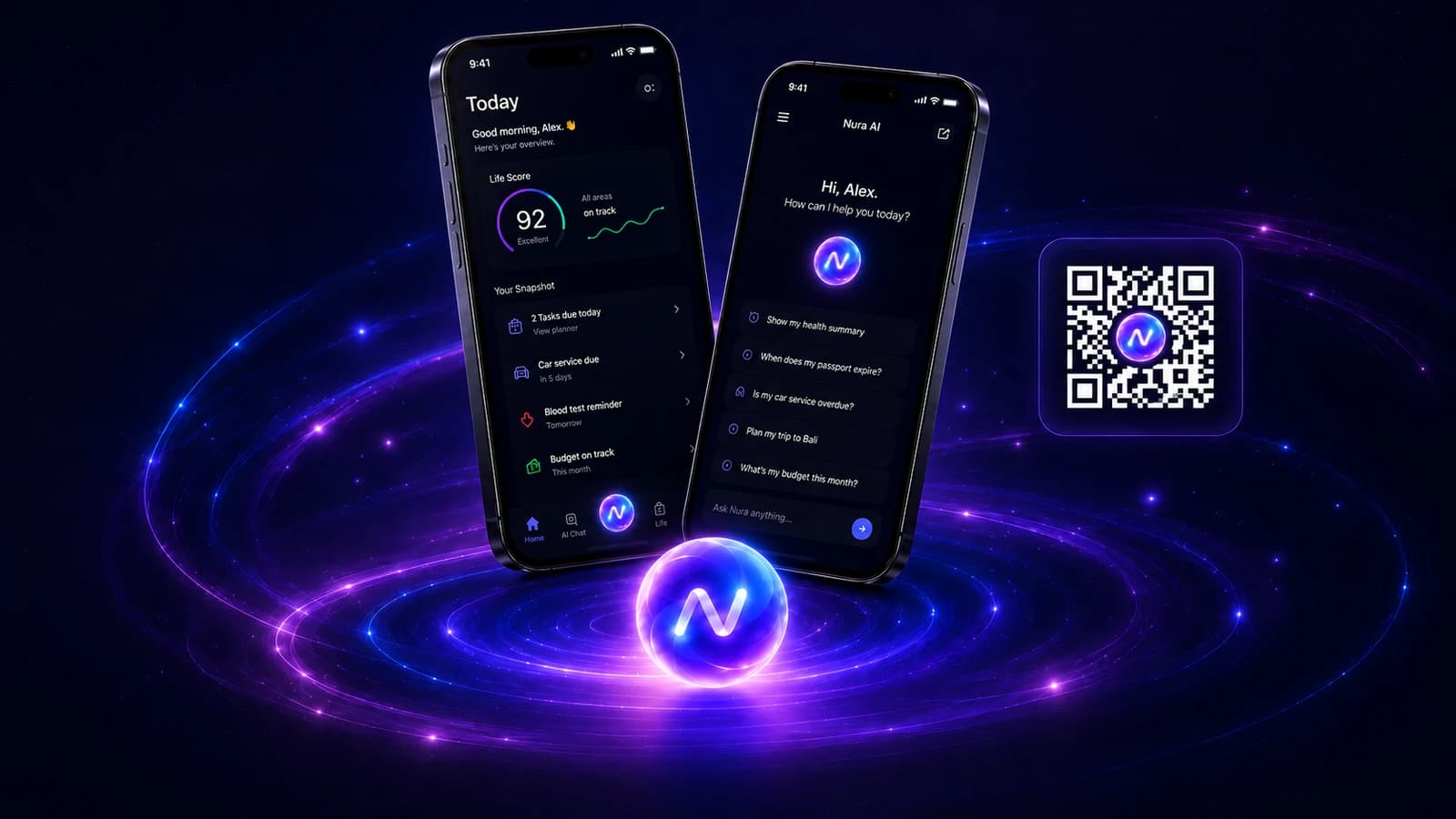
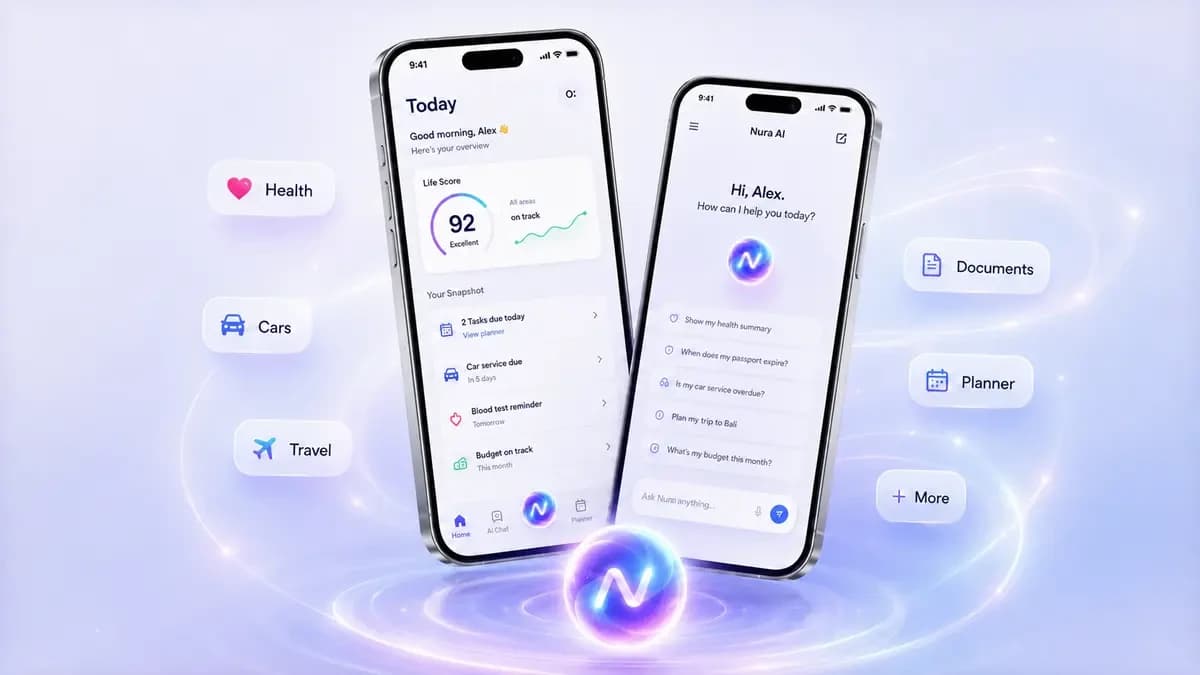
Nura AI Life Assistant
A personal AI life assistant for natural chat and voice, tasks, reminders, files, expenses, memory controls, and connected everyday context.
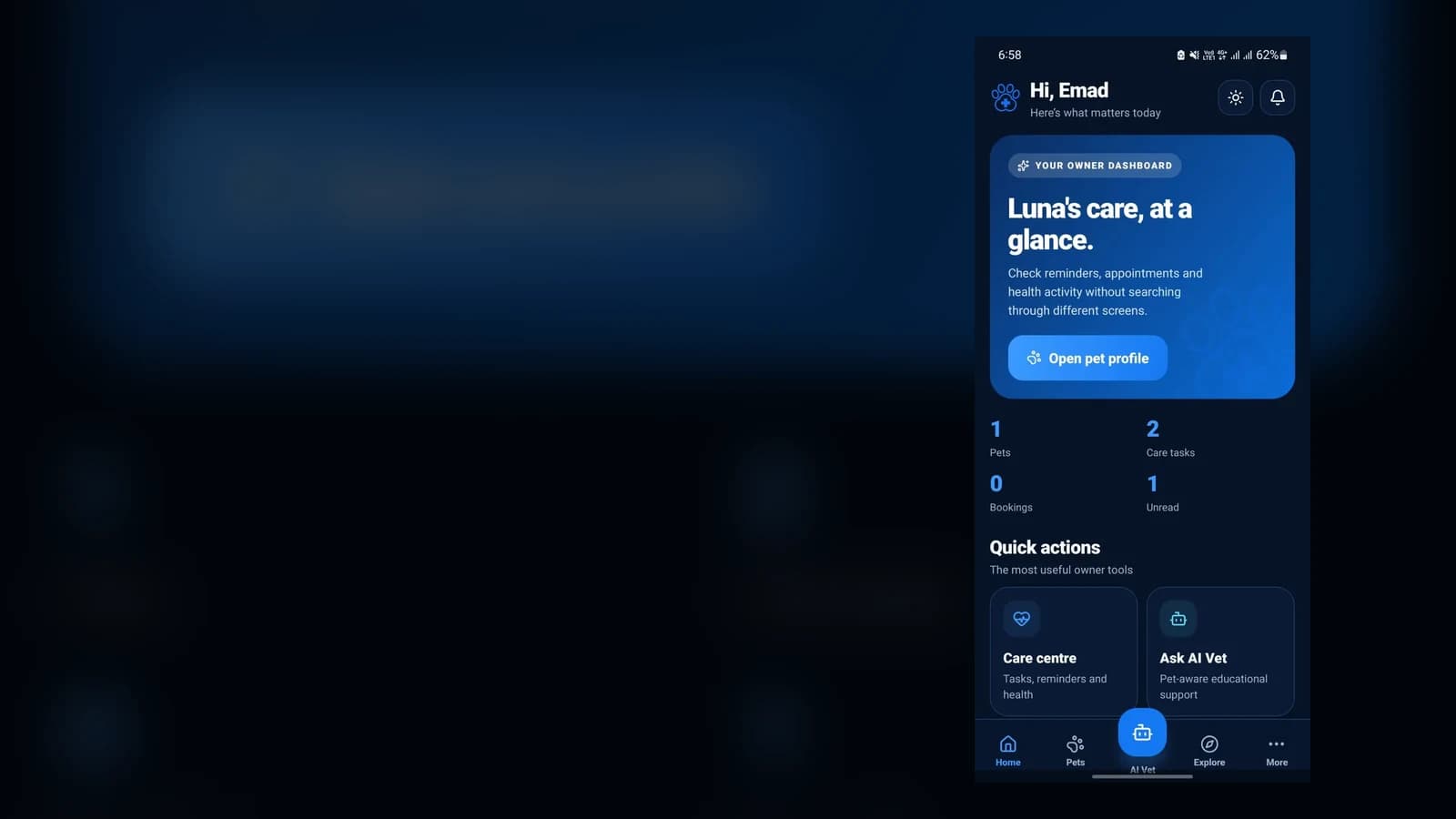
PetCare+ Pet Care Platform
A mobile pet-care platform combining pet profiles, care tasks, bookings, notifications, and an AI Vet entry point with a connected digital growth system.
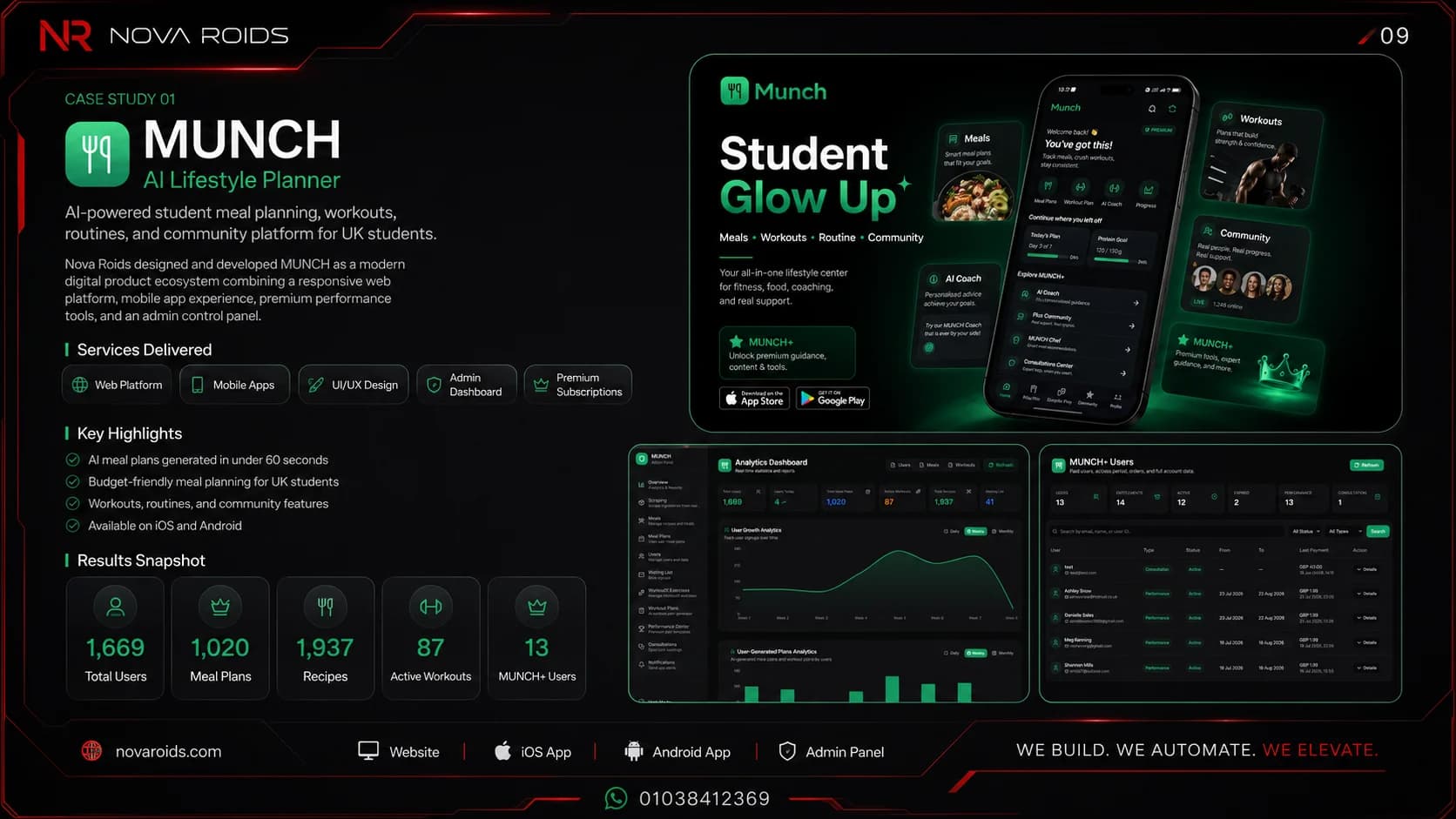
MUNCH AI Lifestyle Platform
An AI-powered mobile and web ecosystem for meal planning, workouts, performance tracking, community, and student lifestyle management.
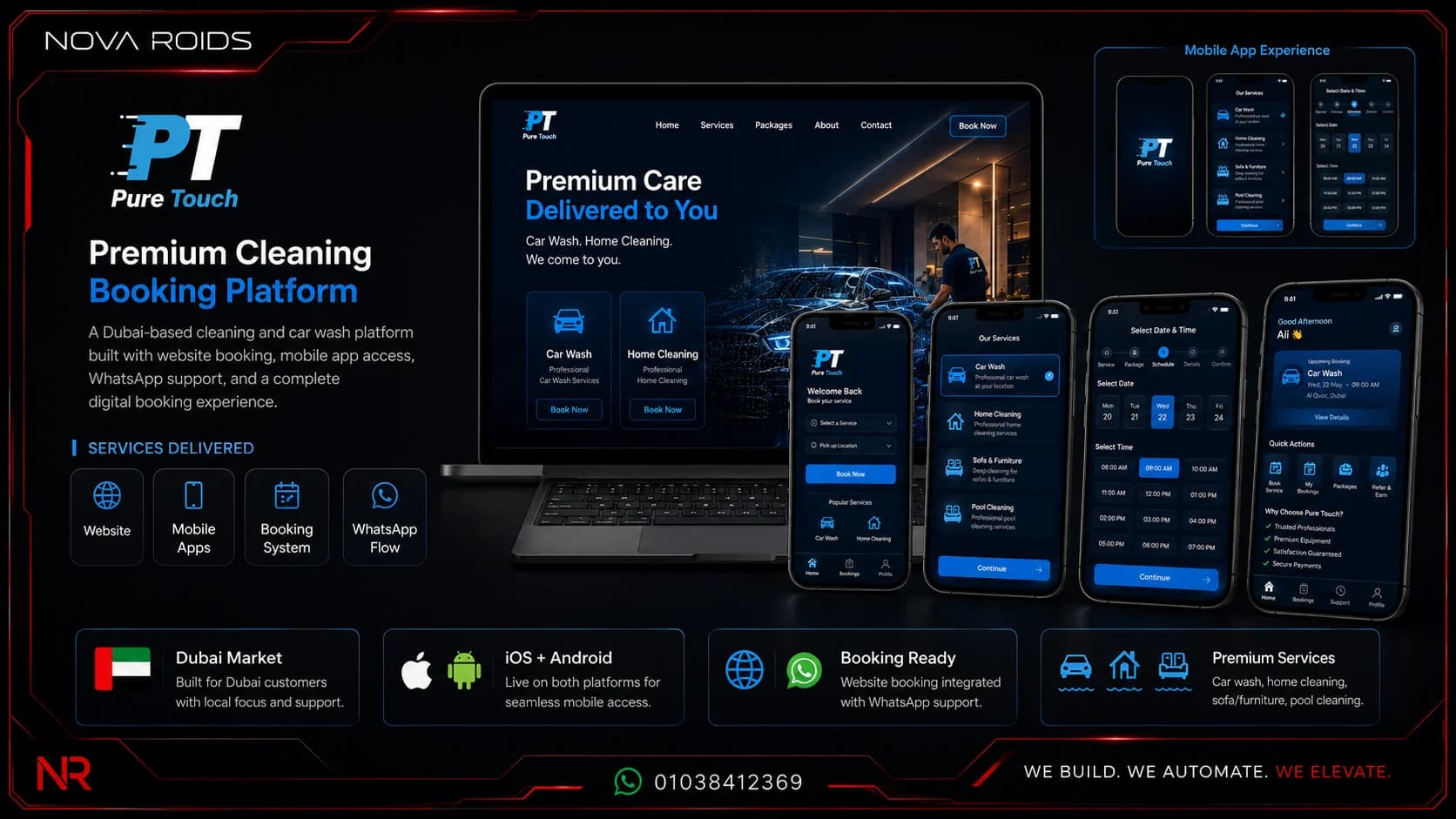
Pure Touch Booking Ecosystem
A premium UAE booking platform for mobile car wash, home cleaning, pool care, locations, packages, and booking operations.
Frequently asked questions
What does mobile app maintenance include after launch?+
Maintenance can include crash and performance monitoring, backend and database operations, SDK and operating-system compatibility, security updates, store releases, analytics review, support, dependency upgrades, backups, website or support content changes, and planned technical improvements. The exact scope should match the product architecture and operating model.
How much does mobile app maintenance cost?+
There is no reliable universal percentage. Cost depends on platforms, backend complexity, integrations, release frequency, user volume, support hours, security risk, and the amount of product change. Ask for a maintenance scope with included activities and response expectations instead of applying a generic market percentage.
Is maintenance the same as adding new features?+
No. Maintenance keeps the existing product compatible, reliable, secure, and operable. New feature development changes product scope and should be estimated and prioritised separately. A clear contract can distinguish warranty defects, routine maintenance, urgent incidents, and roadmap work.
Why maintain the website and SEO after the app launches?+
The website remains an acquisition, support, and trust surface. Feature changes, pricing, integrations, policies, support material, and search content can become outdated. Keeping those pages accurate helps users understand the current product and preserves the organic and campaign pathways that lead into the app.
Author and technical review
Primary references
Planning a mobile product?
Share the users, core workflow, required integrations, target market, and first-release goal. Nova Roids will help turn the idea into a scoped product system.