Key takeaways
- A production app is a product system: mobile UX, backend, admin or CRM, analytics, store release, website, SEO, and growth responsibilities must connect.
- Define one complete first-release outcome before expanding the feature list; unfinished infrastructure creates more risk than a smaller coherent launch.
- Store preparation, privacy, testing, analytics, and post-launch ownership should begin during development rather than in the final week.
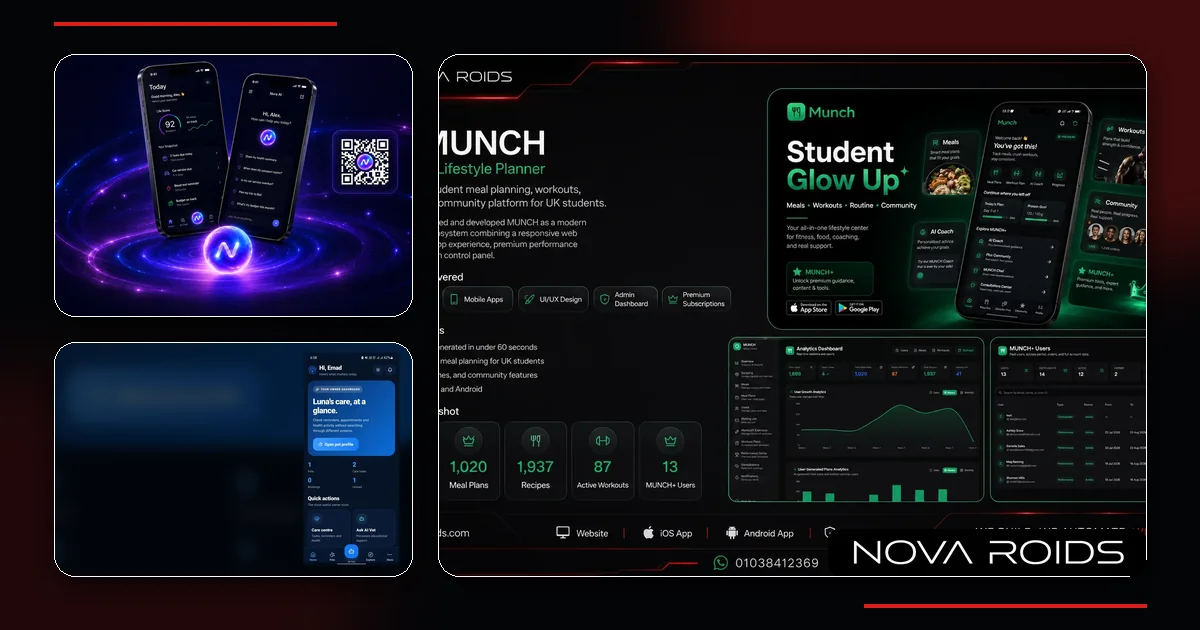
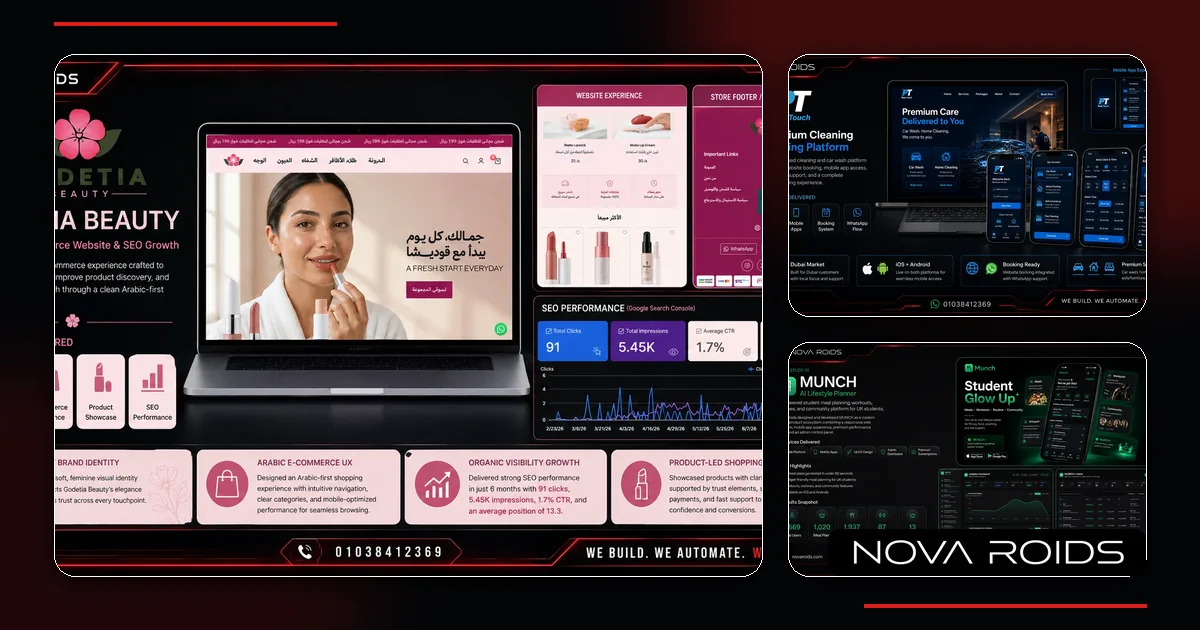
- The Nova Roids mobile portfolio links the process to four launched products: Nura AI, PetCare+, MUNCH AI, and Pure Touch.
How this guide was prepared
This guide owns the mobile app development process search intent and is designed to support the mobile app service page without duplicating direct company, pricing, or adjacent cluster intent.
The guidance combines Nova Roids product-delivery experience, the four mobile project case studies linked on the page, the supplied Google Search Console query patterns, and the named primary references. No market-wide prices, rankings, or guarantees are invented.
What this page owns—and what it deliberately excludes
This is the canonical page for the mobile app development process query family. It answers the specific decision below without duplicating the service page or adjacent cluster articles.
Topics intentionally handled elsewhere
- Direct mobile app development company in Egypt buyer intent
- Exact project pricing
- Single-framework programming-language comparison
Direct service and enquiry intent belongs to our Mobile App Development service page.
What the mobile app development process actually covers
A mobile app development process is the sequence that turns a business problem into a product people can install, use, trust, and continue using. The process includes product discovery, requirements, UX, technical architecture, backend and database work, mobile implementation, integrations, testing, store preparation, release, analytics, support, and growth. Treating the process as screen production leaves important responsibilities invisible until late in the project, when changes are slower and more expensive.
For an Egyptian business evaluating an app, the useful question is not only who can code iOS and Android. It is who can define the operating system around the app. Most serious products need authentication, permissions, APIs, admin or CRM workflows, notifications, analytics, privacy handling, a public website, support content, and a launch plan. The exact scope varies, but the product should be designed as a connected system from the beginning.
Ready to move from planning to delivery? Review our mobile app development process and deliverables.
Stage 1: discovery starts with the business problem
Discovery should explain what the product is meant to change. Define who the users are, what they do today, where the friction sits, what action the app should make easier, and how the business will know the first release is useful. A founder may arrive with fifty feature ideas, but the discovery output should reduce those ideas into user groups, core journeys, risks, dependencies, and measurable outcomes.
This stage should also surface constraints early: an existing CRM, an old database, third-party payment providers, maps, healthcare data, location permissions, subscription rules, content workflows, or internal approval steps. When those dependencies are discovered before design, the team can choose an architecture and release plan that fits reality. When they appear after screens are approved, estimates and timelines often need to be rebuilt.
Stage 2: define a minimum valuable release, not a stripped demo
A useful first release is smaller than the long-term product but complete enough to deliver one clear outcome. That means deciding which user roles, journeys, data, notifications, integrations, and admin actions are required for the product to operate safely. Removing visual polish may save some time, but removing authentication, error handling, analytics, permissions, or operational tools can make the release impossible to learn from or support.
Separate the backlog into first release, next release, and later hypotheses. Each item should have a reason: user value, operational necessity, compliance requirement, revenue, retention, or learning. This makes trade-offs visible when budget or timing changes. It also gives the product owner a disciplined way to say no to features that are interesting but do not improve the first commercial or user outcome.
The next related decision is covered in Mobile App Development Cost in Egypt: Scope Before Price.
Stage 3: UX and prototypes must include failed states
Mobile UX is more than the happy path. Flows should cover sign-up, permissions, empty states, slow connections, validation, failed payments, rejected bookings, unavailable content, notification settings, account recovery, and destructive actions. A clickable prototype can expose confusing decisions before engineering begins, especially when several roles or conditional states exist inside the same journey.
Design should also consider one-handed use, text length, accessibility, keyboard behaviour, safe areas, loading feedback, and the differences between iOS and Android conventions. The goal is not to force every screen to look identical across platforms. The goal is to create a consistent product that still feels predictable on each device and gives the user enough feedback to understand what happened after every important action.
Stage 4: architecture includes the backend, CRM, and admin layer
The mobile interface is only one client of the system. Behind it, the product may need APIs, database models, authentication, permissions, file storage, notifications, scheduled jobs, search, payments, subscriptions, audit logs, analytics, and integrations. The operations team also needs a safe way to manage users, content, bookings, cases, orders, subscriptions, or support. That is why backend and admin scope should be designed alongside the app rather than quoted later as an add-on.
For many products, the admin dashboard becomes a lightweight CRM or operating console. It should reflect real work: who owns a request, what status it is in, what the user was told, what action is due next, and what the manager needs to report. A good data model reduces duplicated records and manual spreadsheets. A good permission model prevents staff from seeing or changing information they do not need.
Stage 5: choose native or cross-platform from product constraints
React Native, Flutter, Swift, and Kotlin are implementation choices, not business strategies. Cross-platform development can reduce duplicated interface work when iOS and Android share most behaviour. Native development can be justified when an experience depends heavily on platform-specific SDKs, intensive background work, low-level hardware access, demanding graphics, or a team that needs direct control over each operating system.
The correct choice should consider the existing team, target devices, integrations, performance requirements, offline behaviour, update model, test burden, and long-term maintenance. Ask the delivery team to explain where code will be shared, where native modules may still be required, and how dependency upgrades will be managed. A framework that accelerates version one but creates an unsupported dependency later is not automatically the cheaper option.
Stage 6: integrations need failure and ownership rules
Payments, maps, messaging, identity providers, AI APIs, health platforms, CRMs, and external databases can all fail independently from the mobile app. The architecture should define timeouts, retries, duplicate prevention, reconciliation, and what the user sees while an external action is pending. Sensitive actions should be idempotent so a repeated tap or network retry does not create duplicate orders, charges, bookings, or records.
Ownership matters too. The client should know which accounts are theirs, who controls production credentials, where secrets are stored, and what happens if a provider changes pricing or removes an API. Integrations should be observable: teams need logs and identifiers that allow support to trace a user action across the app, backend, and third-party service without exposing secrets in the interface.
Stage 7: security and permissions belong in product design
Security is not a final penetration-test checkbox. Decide which information is collected, why it is needed, how long it is retained, where it is stored, and which roles can access it. Use the minimum device permissions needed for the feature and explain the value before asking the user. Authentication, session management, password reset, account deletion, export, and consent states should be designed as real flows rather than left for the release week.
The requirements become more important when the app handles health, financial, location, identity, or user-generated information. Technical controls should be combined with clear product copy, a privacy policy, and operational access rules. Legal or regulatory requirements depend on the market and product, so the delivery team should identify where qualified legal review is required instead of making unsupported compliance claims.
Stage 8: QA covers devices, networks, permissions, and real operations
A mobile test plan should prioritize critical journeys and risky states, not only a checklist of screens. Test supported devices and operating-system versions, small and large screens, permission denied and later enabled, poor connectivity, background and foreground transitions, deep links, notifications, expired sessions, payment callbacks, file uploads, and interrupted actions. Accessibility and readable text should also be part of release quality.
Operational testing is equally important. Staff should use the admin tools with realistic records, notifications, reports, and exception cases before public launch. If support cannot understand the status of a user request or correct an operational problem safely, the customer-facing app is not truly ready. A staging environment should allow the team to test the whole flow without mixing test data into production.
Stage 9: App Store and Google Play preparation starts before the final build
Store release requires product assets, account ownership, privacy information, screenshots, descriptions, support URLs, category choices, content declarations, reviewer access, and a production backend that can be reached during review. Apple explicitly asks developers to test for crashes, provide complete metadata, make backend services accessible, and give review teams access to account-based features. Google Play also separates testing tracks from production and requires release configuration and review steps.
Build the store checklist while development is still in progress. Decide who owns the Apple and Google developer accounts, who prepares screenshots and copy, how demo access will work, and who answers review feedback. Store approval timing should not be promised as a guaranteed date. The team can reduce avoidable delays by submitting a complete, tested product with accurate declarations and working production dependencies.
Stage 10: the product website is part of app acquisition
An app-store listing has limited space to explain a complex product. A fast website can own search demand, answer objections, publish feature and industry pages, explain pricing or plans, host policies and support content, collect leads, and send visitors to the correct store. It can also support paid campaigns with focused landing pages instead of forcing every prospect directly into a store listing before they understand the value.
For search, the website should have a clear information architecture, server-rendered indexable content, descriptive metadata, schema where relevant, internal links, and topic clusters that match the questions people ask before downloading or purchasing. SEO does not replace app-store optimization, but it expands the surface where the product can be discovered and gives the business an acquisition asset it controls outside Apple and Google.
Stage 11: SEO and content should own separate search intents
A mobile business may need pages for the product category, use cases, pricing, integrations, industry problems, comparison questions, support, and educational queries. Those pages should not all target the same phrase. Assign each query family to one canonical page, then use internal links to connect informational guides to the commercial product or service page. This avoids multiple pages competing for the same intent while still building topical authority.
The same rule applies to a development company. The service page should own direct buyer intent such as mobile app development company in Egypt. Pricing belongs to a cost guide. Technology selection belongs to a programming-language or framework guide. The development lifecycle belongs to this process pillar. Case studies should own branded project entities and prove experience rather than repeat the service keyword in every paragraph.
Stage 12: analytics connect acquisition to product outcomes
Analytics should be designed around decisions. Define acquisition source, install or deep-link entry, account creation, activation, completion of the core task, repeat use, conversion, cancellation, and support events that matter to the business model. Event names and properties should be documented so marketing and product teams interpret the same behaviour consistently across app and website.
Avoid collecting data simply because a tool makes it available. The useful dashboard answers questions such as which source brings activated users, where onboarding fails, which feature predicts retention, which booking or subscription step loses people, and whether a new release improved the intended outcome. Product analytics, crash reporting, backend logs, and campaign attribution answer different questions and should be designed together.
Stage 13: marketing begins with a measurable launch hypothesis
A launch campaign should specify audience, message, creative angle, destination, conversion event, budget limit, and the product behaviour that defines a qualified user. Early campaigns are learning systems. Test a small number of meaningful creative and audience hypotheses, then compare acquisition quality rather than optimizing only for cheap clicks or installs. A lower install cost can be misleading if those users never activate or return.
Organic content, paid social, paid search, creator partnerships, email, communities, and referral loops can all play a role, but they should not be activated mechanically. Choose channels based on where the target user already looks for the problem. The website and app analytics must pass enough context to understand the journey from first visit through meaningful product use.
Stage 14: post-launch maintenance is part of the original scope
Mobile products depend on operating systems, SDKs, frameworks, third-party services, certificates, store policies, backend infrastructure, and security updates that continue changing after launch. Maintenance should define who monitors crashes and performance, who owns urgent fixes, how dependencies are upgraded, how releases are tested, and how support or feature requests are prioritized. Without ownership, a working app can gradually become fragile.
Maintenance also includes product learning. Review support tickets, store feedback, analytics, failed transactions, search demand, and campaign performance to decide what should change next. A roadmap driven by evidence protects the team from rebuilding the product around the loudest isolated request. The first release should create the measurement system that makes later investment more informed.
What four launched products teach about end-to-end delivery
The Nova Roids mobile portfolio now includes Nura AI, PetCare+, MUNCH AI, and Pure Touch. They serve different audiences and use cases, so the point is not that one architecture fits every project. The useful evidence is that launched mobile products require coordination between product UX, backend services, operations, public web experiences, analytics, search visibility, and post-launch growth work.
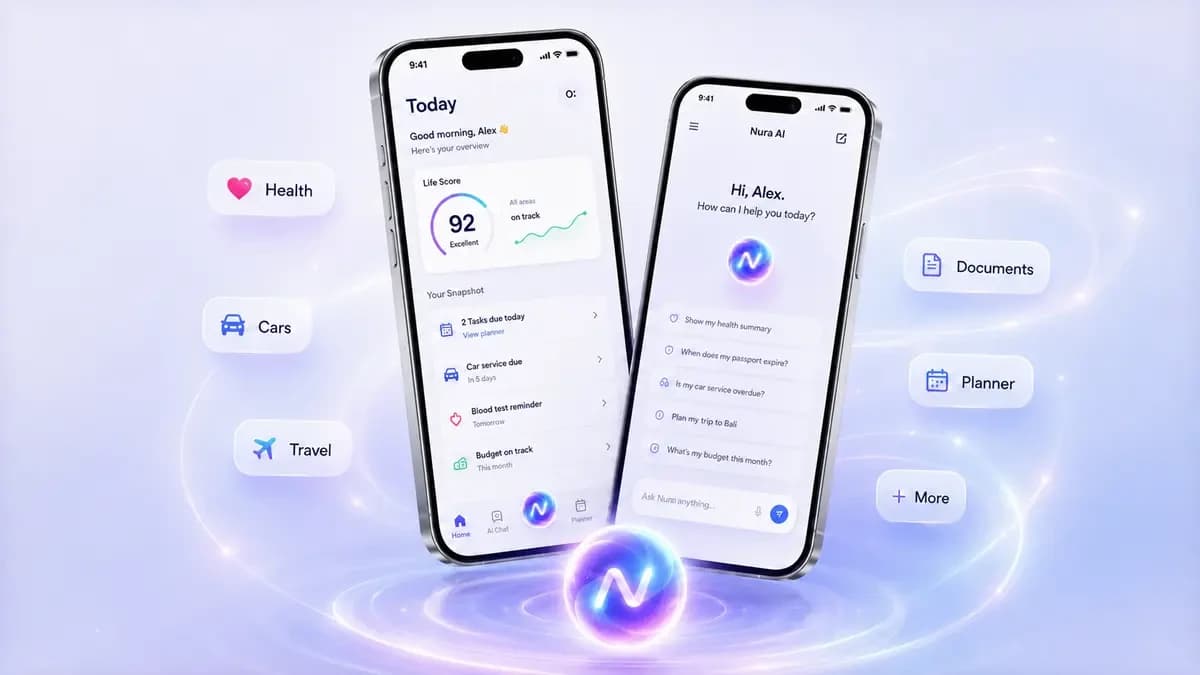
Nura demonstrates a conversational AI product with live voice, structured life areas, files, reminders, expenses, memory, permissions, and personalization. PetCare+ shows a pet-owner dashboard with pet profiles, care tasks, bookings, notifications, and an AI Vet entry point. MUNCH combines AI lifestyle planning with web and growth systems. Pure Touch connects service booking to public acquisition and operations. Each project supports a different part of the process described in this guide.
How to brief a mobile app development company in Egypt
A useful brief does not need to be a technical specification. Explain the business problem, target users, current workaround, core action, revenue or operating model, required integrations, markets, deadline drivers, and the evidence that would make the first release successful. Share any existing brand, website, data, CRM, APIs, policies, or prototypes. The delivery team can then identify unknowns instead of inventing assumptions inside a quote.
Ask the company to return a phased scope with exclusions, ownership, dependencies, testing responsibilities, store responsibilities, post-launch support, and the systems behind the app. Compare proposals by what is included and what risk is still unresolved. A shorter document that clearly defines behaviour and ownership is more useful than a long feature list that leaves backend, admin, analytics, and support responsibilities vague.
Mobile app development lifecycle: stage, output, and decision
| Stage | Primary output | Decision enabled |
|---|---|---|
| Discovery | Users, problem, constraints, success signals | What the first release must prove |
| UX + architecture | Flows, states, data, backend, permissions | How the product should behave and be built |
| Build + integrations | Testable app, APIs, admin, analytics | Whether the system works end to end |
| QA + store readiness | Device testing, declarations, release assets | Whether the product is ready for review and users |
| Launch + growth | Monitoring, acquisition, support, roadmap | What to improve from real evidence |
Questions and checks before you commit
What clients highlighted
“The website finally explains our services clearly, loads fast, and gives our team a cleaner way to receive qualified enquiries.”
“The SEO structure made the site easier to understand. We could see which pages target traffic, which pages convert, and what to publish next.”
Relevant Nova Roids project work
These case studies show related delivery experience. They do not imply that every feature discussed in this guide was used on every project.
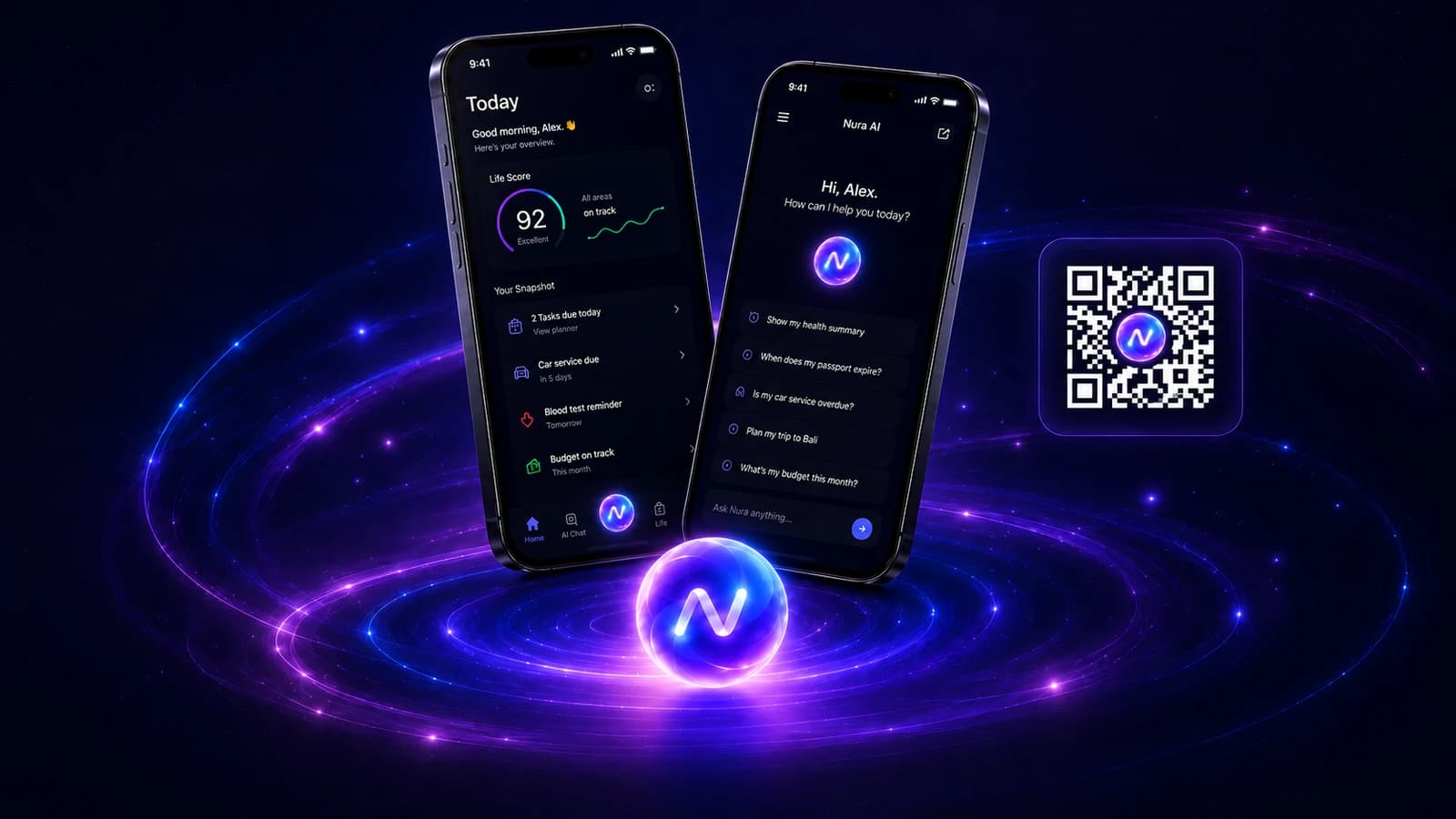
Nura AI Life Assistant
A personal AI life assistant for natural chat and voice, tasks, reminders, files, expenses, memory controls, and connected everyday context.
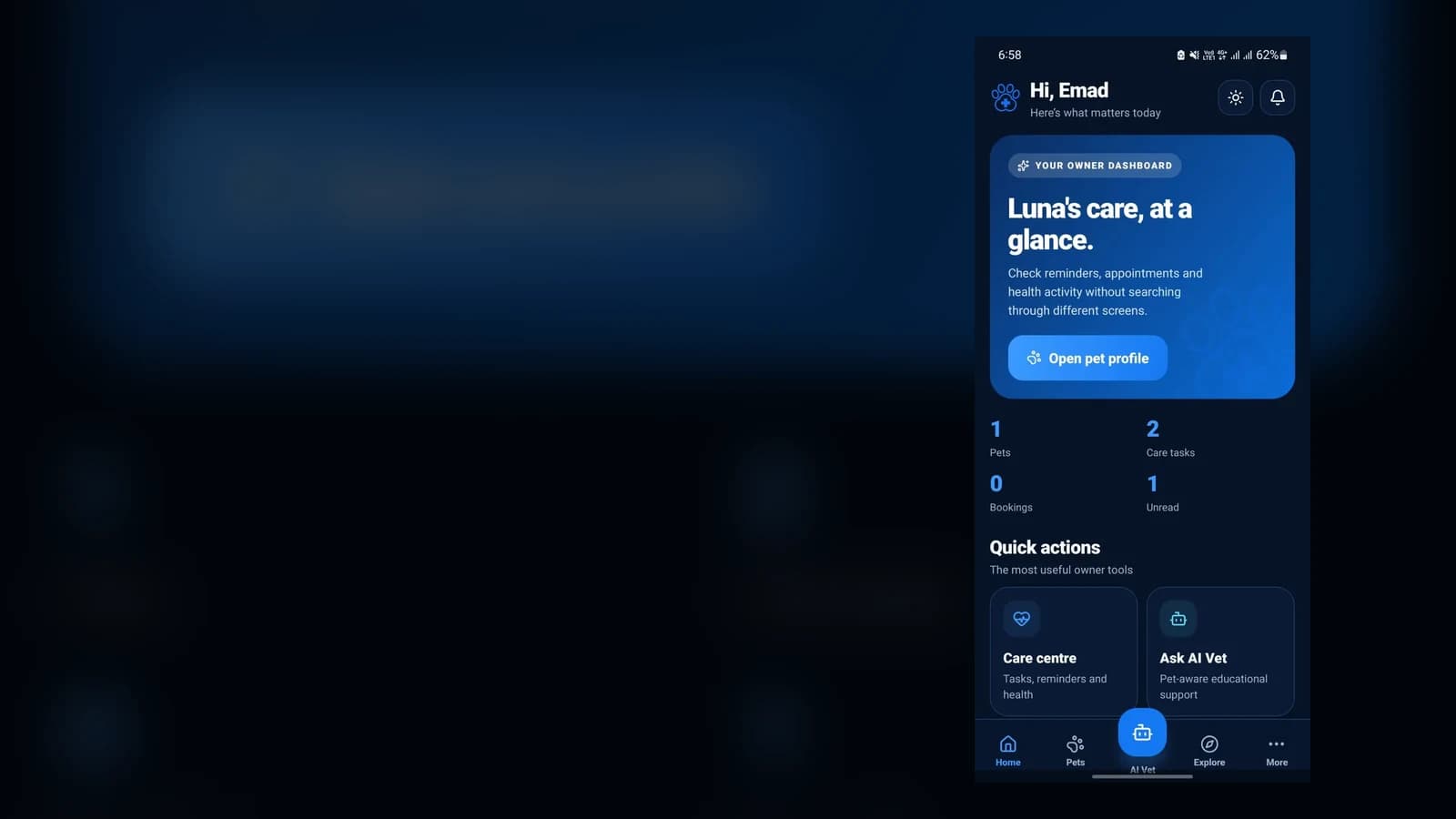
PetCare+ Pet Care Platform
A mobile pet-care platform combining pet profiles, care tasks, bookings, notifications, and an AI Vet entry point with a connected digital growth system.
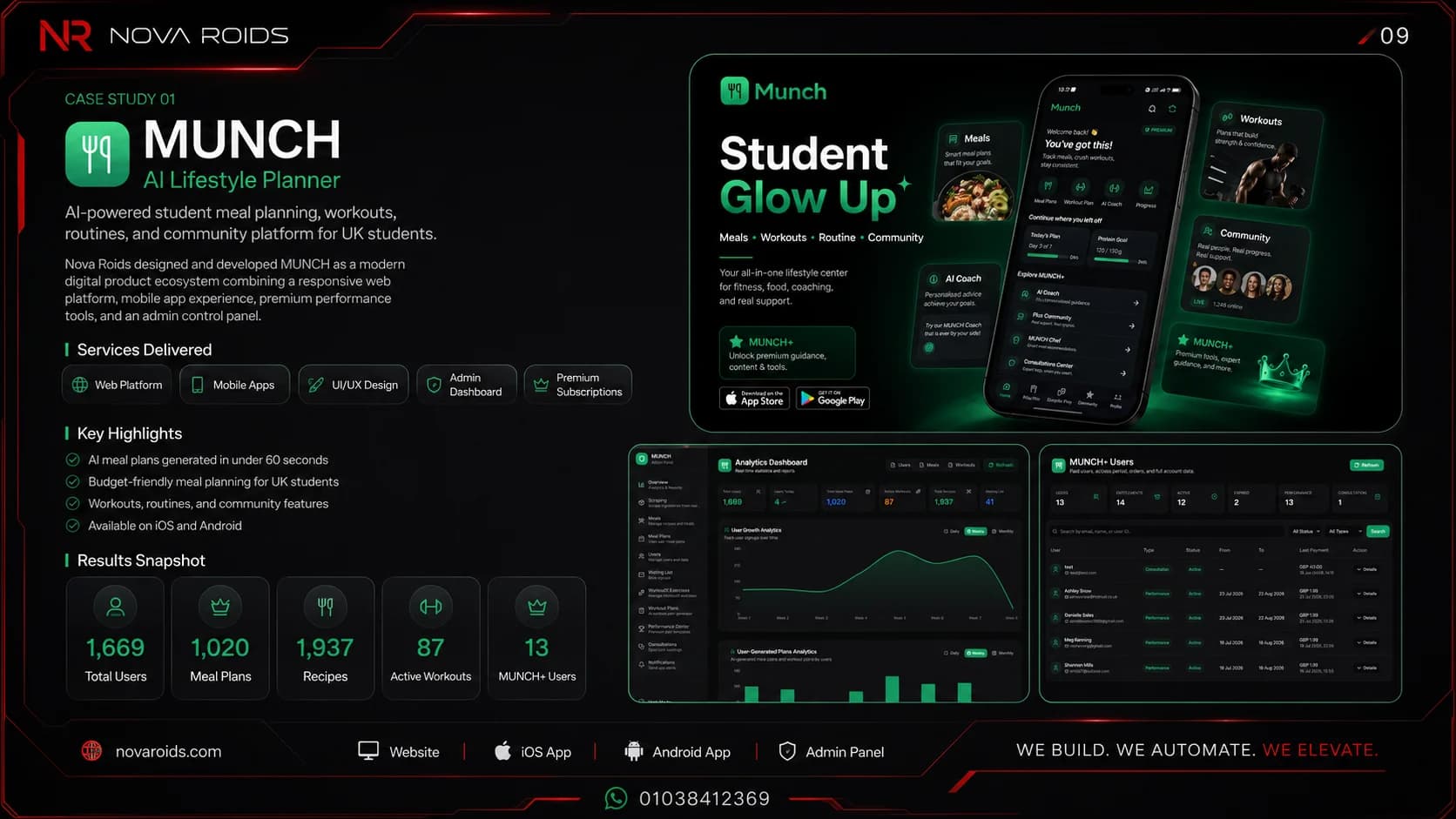
MUNCH AI Lifestyle Platform
An AI-powered mobile and web ecosystem for meal planning, workouts, performance tracking, community, and student lifestyle management.
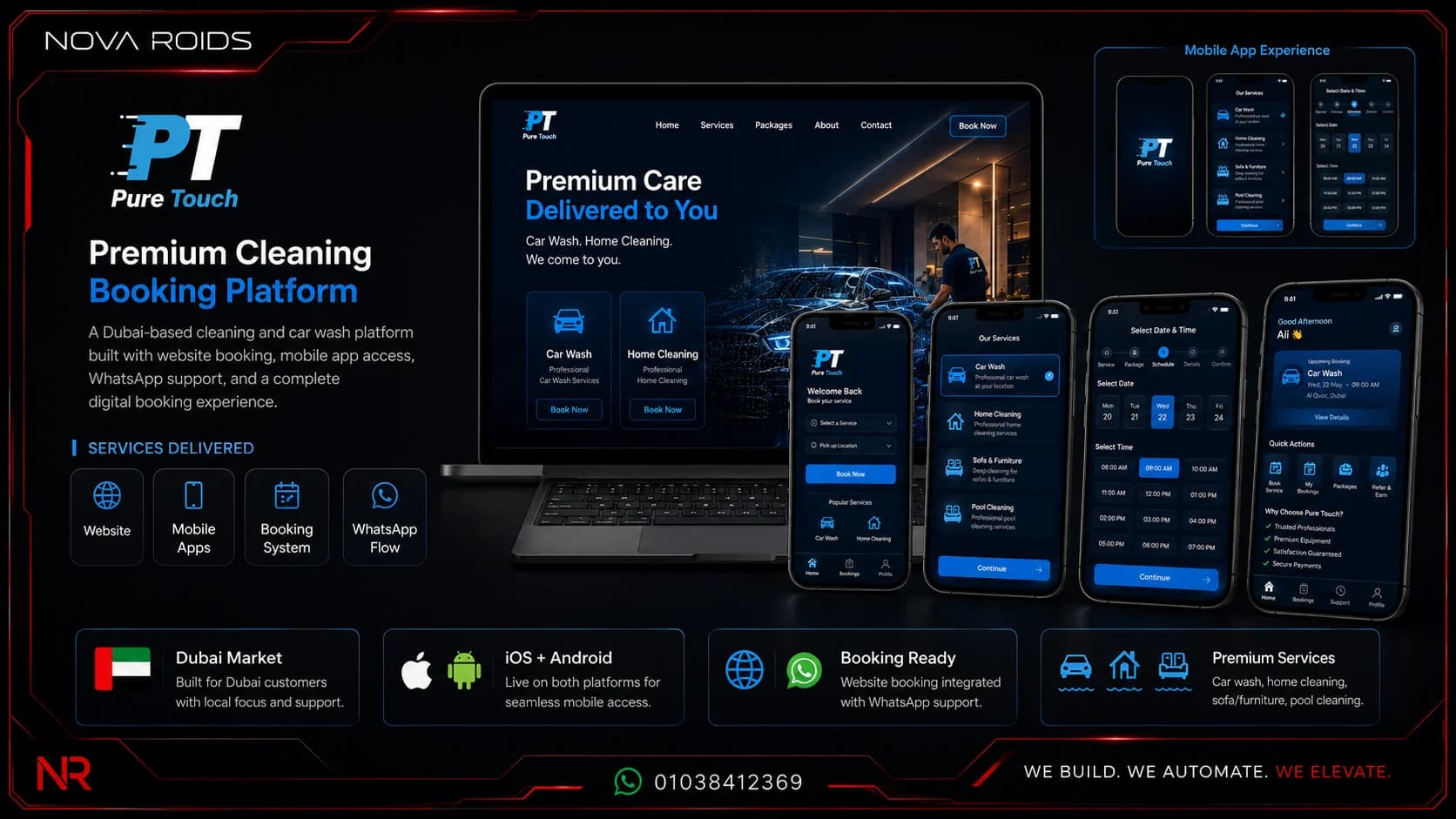
Pure Touch Booking Ecosystem
A premium UAE booking platform for mobile car wash, home cleaning, pool care, locations, packages, and booking operations.
Frequently asked questions
What are the main stages of the mobile app development process?+
A practical process covers discovery, first-release scope, UX and prototypes, architecture, backend and admin operations, mobile implementation, integrations, security, QA, App Store and Google Play preparation, launch analytics, acquisition, and post-launch maintenance. The stages overlap, but each should have clear outputs and ownership.
How long does the mobile app development process take?+
There is no reliable universal timeline. Timing depends on user roles, workflows, backend complexity, integrations, payments, AI, device capabilities, content readiness, review cycles, and testing. A phased plan is more useful than a generic promise because the team can validate high-risk assumptions before expanding the build.
Does every mobile app need a backend and admin dashboard?+
Not every app needs a large custom backend, but many commercial products need server-side data, authentication, notifications, integrations, content, or operational control. If staff must manage users, bookings, orders, subscriptions, cases, or content, an admin or CRM layer should be scoped with the app rather than discovered after launch.
When should App Store and Google Play work begin?+
Store work should begin before the final build. Account ownership, app identifiers, privacy declarations, reviewer access, support URLs, metadata, screenshots, testing tracks, and production backend readiness can all affect release. Preparing these items during development reduces avoidable launch delays.
Why include a website and SEO in a mobile app project?+
A website gives the product an indexable acquisition surface outside the app stores. It can explain features, answer high-intent questions, host policies and support content, rank for search demand, receive campaigns, and route people to the correct store. SEO and app-store optimization serve different discovery channels and can support each other.
What should I send before asking a mobile app development company in Egypt for a quote?+
Send the business problem, target users, core user journey, required platforms, integrations, revenue model, current systems, must-have launch date drivers, and any existing designs or data. A good company should then identify assumptions, exclusions, backend needs, QA, store work, ownership, and post-launch responsibilities before estimating.
Author and technical review
Primary references
Turn the idea into a complete app launch system
Send Nova Roids the user problem, core journey, existing systems, and launch goal. We can scope the app, backend, CRM, website, SEO, analytics, and growth work as one phased product plan.